
A planner’s day, in three steps.
Steps follow the order a planner works in. Automated scheduling is an optional add-on on every tier.
Unplanned orders sit next to the planboard, with the customer, the asset and the required skills.
No typing times. The planboard shows each technician’s capacity for the day, and changes stay fast even on a busy day.
Automated scheduling with route optimization proposes the plan for you. It is an optional add-on on every tier.
Your technicians, skills, regions, and working hours loaded during onboarding. The Planboard designer lets you change the layout yourself afterwards. Automated scheduling needs your travel and skill rules set up first.
Automated scheduling proposes a plan. Your planner still decides.
Move an order to another technician and see what changes before you confirm; the customers affected get their new time automatically.


Up to 19% first-time fix rate improvement when technicians have offline access to full asset documentation. +19% First-time fix
11% more on-time arrivals. +11% On time arrival


100% of the information technicians need for their work orders is available remotely. 100%
Results from Gomocha customer data.
Exceptional Support
Our Customers See Amazing Results
The Gomocha team is proud to call ourselves specialists in field service management. Read more about how our customers are thriving with the Gomocha platform.


With the Gomocha platform, Arodo uses digital workflows and the Gomocha mobile app to increase productivity and customer satisfaction.


With manual work processes, Hakvoort found it difficult to react quickly to unforeseen circumstances. With Gomocha, ad-hoc work orders created for on-call techs have all the information required at their fingertips.
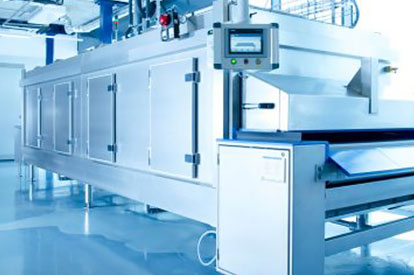

With the robust digital solution provided by Gomocha, KOMA improved the efficiency of the entire field services operation and streamlined its F-Gas and refrigerant fluids registration.